
Standardize a team’s computing setup.
Define the workload, memory, storage, display, docking, and peripheral requirements for the intended users.
ProcessorMemoryPortsDisplay
Business IT hardware & infrastructure
RD Suppliers helps organizations source business computers, network equipment, storage, power, and workplace technology by model or required specification.
Independent supplier. Product condition, availability, warranty eligibility, and order terms are confirmed for each quote.
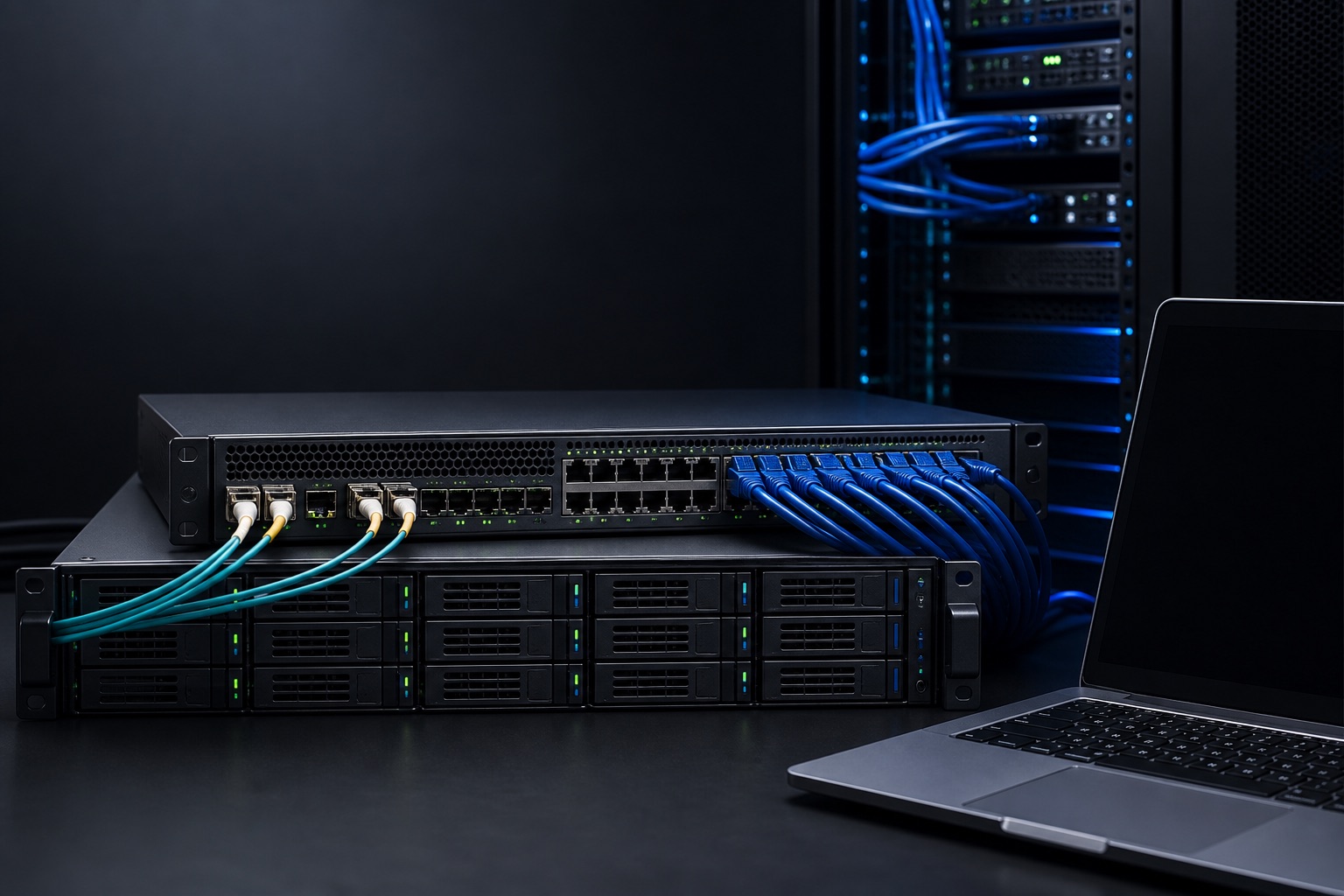
Representative hardware imagery
Across the IT stack
Start with an exact part number, or describe the workload, connectivity, capacity, power, and form-factor requirements that the equipment must support.
Computers & workstations
Request business notebooks, desktop systems, mobile workstations, monitors, and docking equipment by model or required specification.
Request this equipmentTechnical requirements
Useful IT equipment decisions depend on the workload, interfaces, capacity, physical space, and power available. RD Suppliers uses the details you provide to identify requested products or clearly labeled alternatives.
Review equipment categoriesThese are examples of the information that can shape an equipment request, not claims about completed customer projects.
Define the workload, memory, storage, display, docking, and peripheral requirements for the intended users.
Describe switch-port counts, link speed, PoE needs, wireless coverage equipment, security appliances, and cabling.
Identify usable capacity, drive type, form factor, interface, enclosure, and device-compatibility requirements.
The workflow stays simple while keeping the technical match and order terms visible.
Share the required models or the workload, connections, capacity, quantity, and delivery need.
Compare the specified item or any clearly identified alternative, including condition and compatibility details.
Approve the final line items, pricing, timing, warranty information, and applicable order terms.
Equipment questions
Have a requirement not covered here? Include it in the request so the relevant specification can be addressed.
Send an equipment requestYes. Include the manufacturer part number or full model specification when possible. Any proposed alternative should be identified for approval.
Yes. Prepare the request email, then attach a spreadsheet, PDF, or bill of materials before sending.
Provide the relevant device, interface, operating environment, dimensions, power, and other constraints. Compatibility depends on the accuracy and completeness of those requirements.
Condition and warranty eligibility can vary by product and source. The applicable information should be identified for the individual quote.
Planning an equipment request?